
 Activities Manager
FIFA World Cup Bingo
Best on a laptop or TV
Bingo caller
Calls bingo on a big screen!
- Needs printed cards
- Any group size
- 1 Print the cards and hand out pens
- 2 Click "Call", press Space, or use the auto-caller
- 3 Someone shouts Bingo? Use the card checker
Slideshow
One picture at a time to discuss!
- No scores
- Good for chatting
- 1 Every item fills the screen
- 2 Next slide with the arrow keys or a clicker
- 3 Let the room share their memories
Image Reveal
A jigsaw guessing game!
- One group or teams
- Guessing
- 1 Call a number to turn a piece
- 2 Anyone can guess at any time
- 3 Got it? Click "Show answer"
Memory Match
Find the matching pairs!
- Teams
- 6, 8 or 12 pairs
- 1 Call two numbers to turn two cards
- 2 A pair? Go again
- 3 No pair? Next team's turn
Playing on a TV
Get any game onto your TV!
- 1 Pick a game. It opens in a new tab
- 2 Plug your laptop into the TV with an HDMI cable
- 3 Play from your laptop. The TV shows your screen
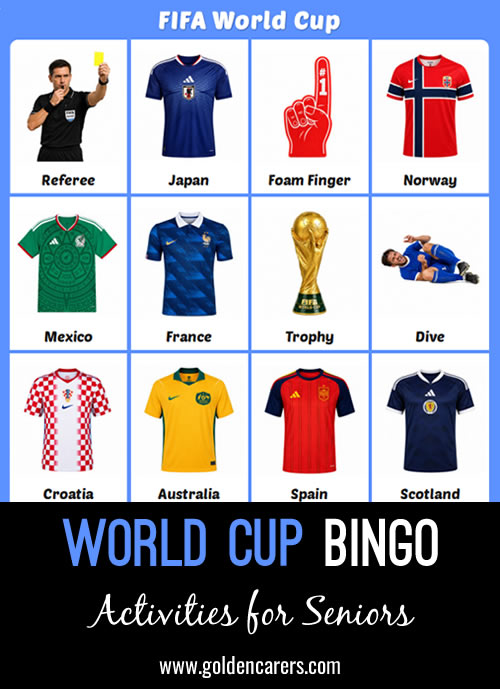
Enjoy a FIFA World Cup Bingo game with your group!
- Choose how many bingo cards you need.
- Select your preferred card size: 3×3, 4×4 or 5×5.
- Print the calling cards in colour, or select Play → Bingo to present the game on a large screen. The built-in bingo caller
- automatically draws each item, making it easy to play with groups of any size.
- Want to customise the game? Simply make a copy, then edit, add or remove items to suit your group.
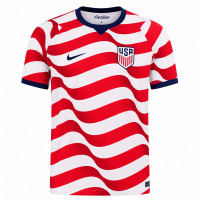
USA
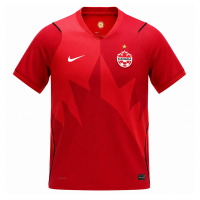
Canada
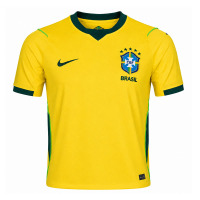
Brazil
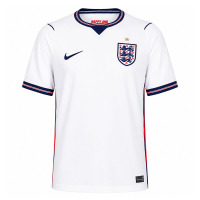
England
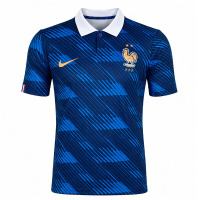
France
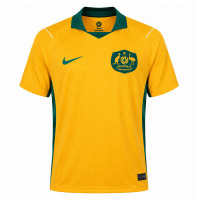
Australia
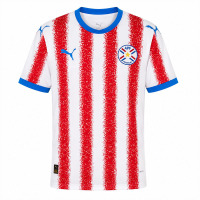
Paraguay
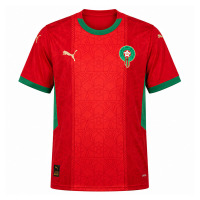
Morocco
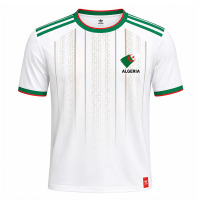
Algeria
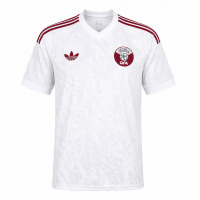
Qatar
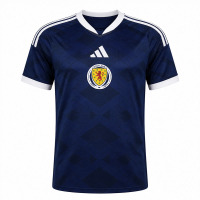
Scotland
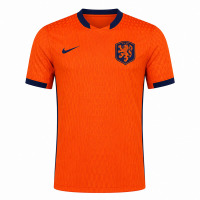
Netherlands
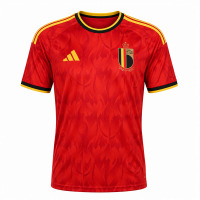
Belgium
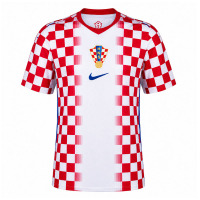
Croatia
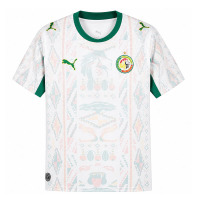
Senegal
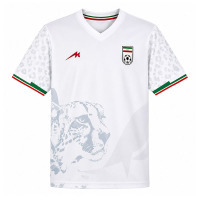
Iran
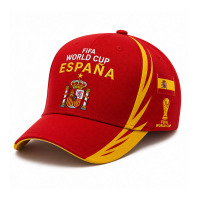
Caps
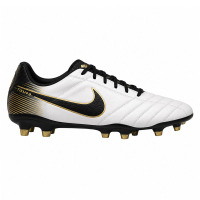
Boots
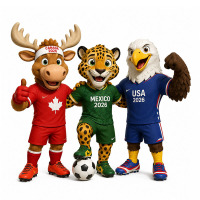
Mascots
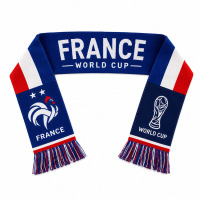
Scarves

Fans
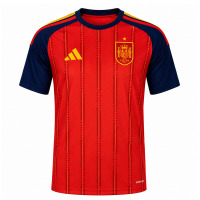
Spain
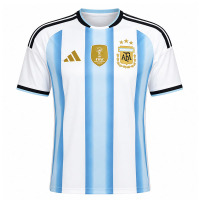
Argentina
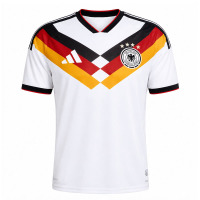
Germany
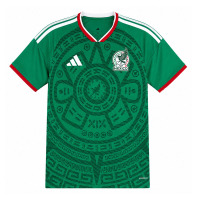
Mexico
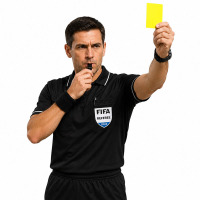
Referee
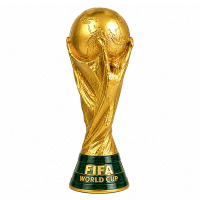
Trophy
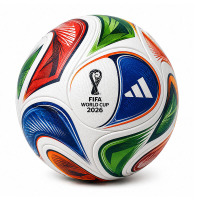
Ball
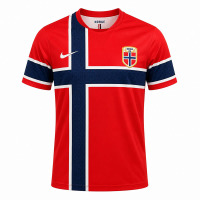
Norway

Dive
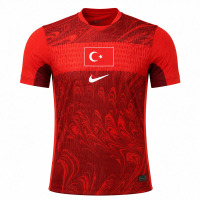
Turkey
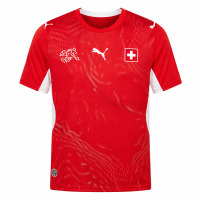
Switzerland
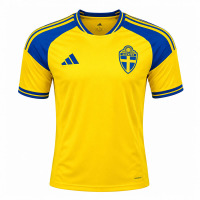
Sweden
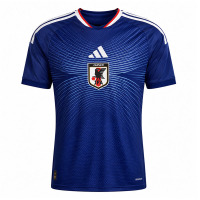
Japan
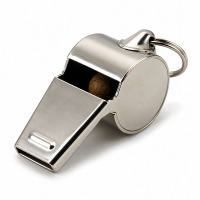
Whistle
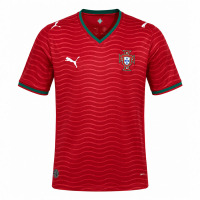
Portugal
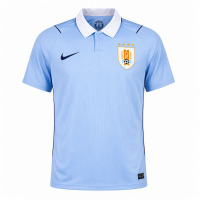
Uruguay
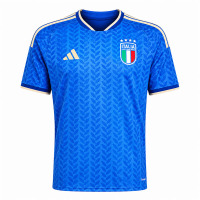
Italy
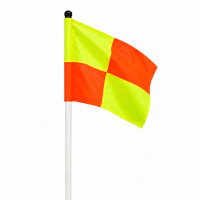
Corner Flag
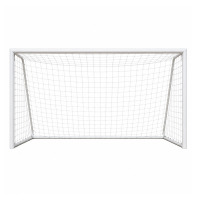
Goal Net

Foam Finger
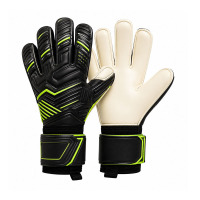
Gloves
Enjoyed this one?
It's one of our free activities. Get 20 more, ready to print for your next session.
 Activities Manager

 Activities Coordinator
Trying to print 5 x 5 with Free Space and get this message-
"Bingo must have at least 36 Description
Please add these before printing or the Bingo game will not work!"


Hi Colette, this message appears when there aren’t enough bingo items available for the selected card format. When this happens, you can make a copy of the game and add more items.
For this activity, we’ve now increased the number of bingo items, so you should be able to print the 5×5 cards with a free space.




FIFA World Cup Bingo
Best on a laptop or TV
Bingo caller
Calls bingo on a big screen!
- Needs printed cards
- Any group size
- 1 Print the cards and hand out pens
- 2 Click "Call", press Space, or use the auto-caller
- 3 Someone shouts Bingo? Use the card checker
Slideshow
One picture at a time to discuss!
- No scores
- Good for chatting
- 1 Every item fills the screen
- 2 Next slide with the arrow keys or a clicker
- 3 Let the room share their memories
Image Reveal
A jigsaw guessing game!
- One group or teams
- Guessing
- 1 Call a number to turn a piece
- 2 Anyone can guess at any time
- 3 Got it? Click "Show answer"
Memory Match
Find the matching pairs!
- Teams
- 6, 8 or 12 pairs
- 1 Call two numbers to turn two cards
- 2 A pair? Go again
- 3 No pair? Next team's turn
Playing on a TV
Get any game onto your TV!
- 1 Pick a game. It opens in a new tab
- 2 Plug your laptop into the TV with an HDMI cable
- 3 Play from your laptop. The TV shows your screen