Choose Where Images Appear in Games
Choose where images appear in your games: on questions, answers, or both.
How It Works
In your game editor, toggle Images on. You'll see a button with three options:
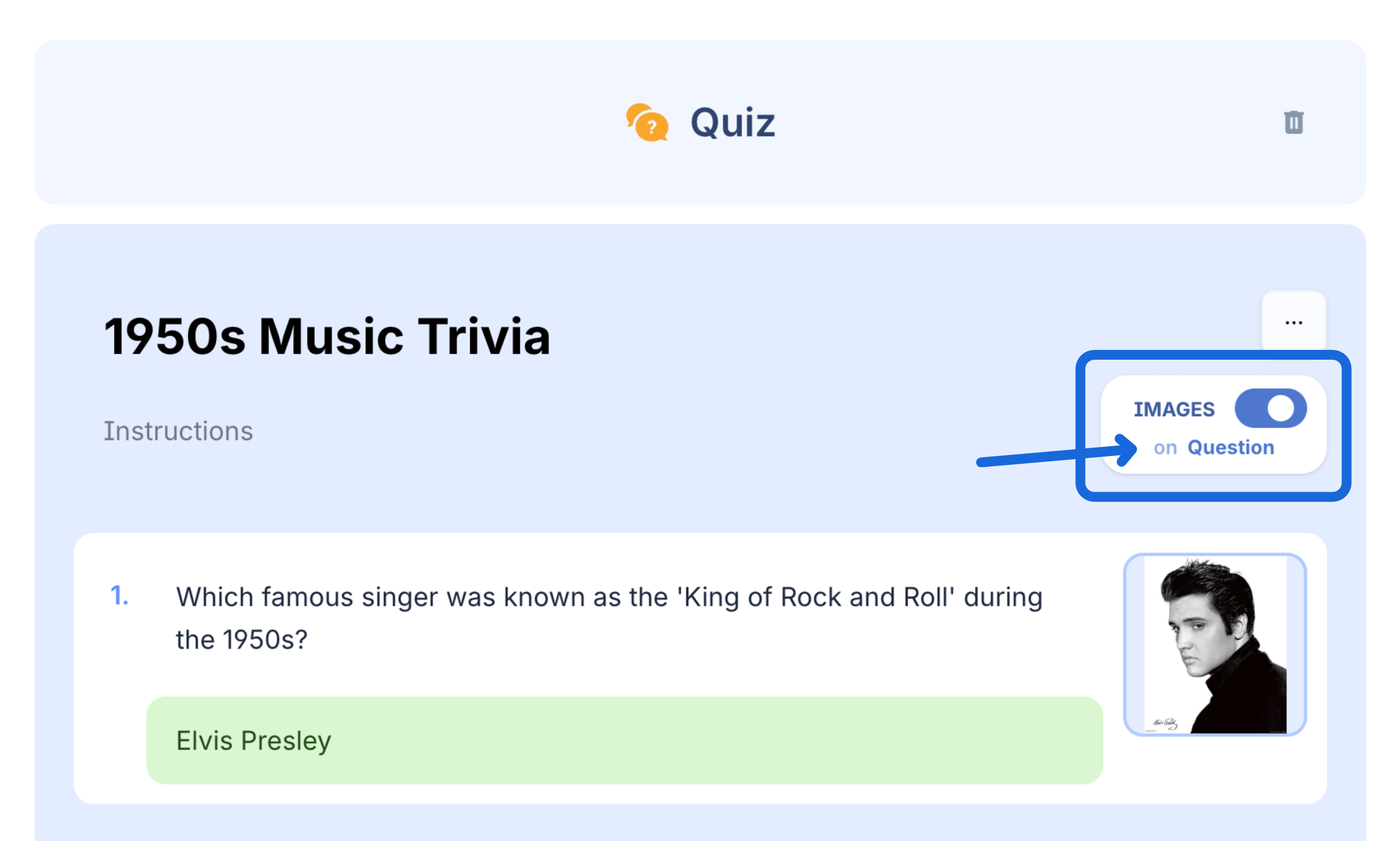
- Questions - Perfect for "What is this?" games
- Answers - Great for visual reveals
- Both - Show images everywhere
Saves automatically. The label updates to match your game type.
Why This Helps
Visual Reveals - Set images to answers only. Residents see the picture after guessing!
Works Everywhere - Your choice affects prints, slideshows, and playable games.
Happy creating! x