This Day in History for Seniors: May
Best on a laptop or TV
Slideshow
One picture at a time to discuss!
- No scores
- Good for chatting
- 1 Every item fills the screen
- 2 Next slide with the arrow keys or a clicker
- 3 Let the room share their memories
Image Reveal
A jigsaw guessing game!
- One group or teams
- Guessing
- 1 Call a number to turn a piece
- 2 Anyone can guess at any time
- 3 Got it? Click "Show answer"
Memory Match
Find the matching pairs!
- Teams
- 6, 8 or 12 pairs
- 1 Call two numbers to turn two cards
- 2 A pair? Go again
- 3 No pair? Next team's turn
Playing on a TV
Get any game onto your TV!
- 1 Pick a game. It opens in a new tab
- 2 Plug your laptop into the TV with an HDMI cable
- 3 Play from your laptop. The TV shows your screen
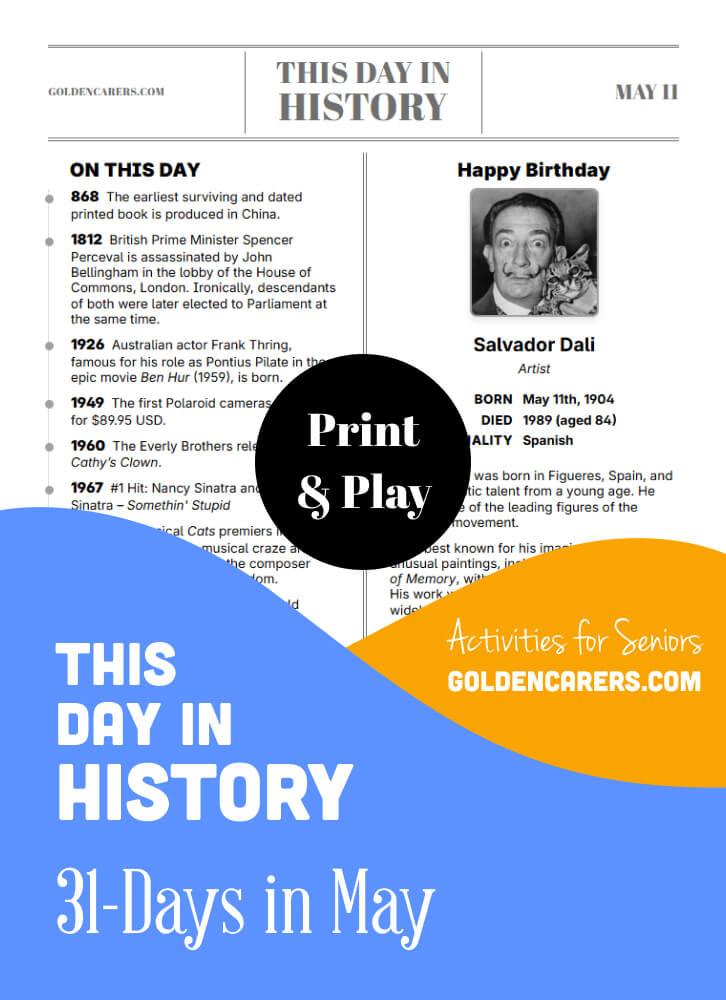
This Day in History for Seniors: May
Available with Full Membership. Unlock to access:
Full Membership - $74.95 USD per year
No auto-renewals · 30-day money-back guarantee
Your workplace can pay: choose Invoice at checkout.
Already a member? Log in



 Teacher
I use This Day in History for my weekly World of Interest class with the seniors. I wold like to see less movie and song trivia and more historical and social trivia.
I love Golden Carers as a resource. You have so many interesting topics and ideas. My residents like the quizzes.
I am currently teaching via Zoom and it is challenging. It looks like I will not be back in person any time soon, either. Do you have any advice on how to engage a group which includes Memory Care virtually?
Thanks for all you do.
 Activity Director
Hi Randall
Thank you for your kind words
This article may help you
https://www.goldencarers.com/15-virtual-activities-for-residents-in-isolation/6292/#leaveComment
This comment from Julie may also help you
https://www.goldencarers.com/profile/60398/
Mentor Susan United States7th Oct 2020 ACTIVITY DIRECTOR
Forum
I am not sure if these people have iPads or computers
If they do you could set up a zoom conference or a Skype call
You could also have a special Facebook group for them
If this is too much set up a teleconference
I am sure you can do one for free as long as the residents are able to use the phone
I had a group and we played bingo over the phone but there are many things you can do over the phone like trivia reminiscing etc
You could send these people cards and have them make simple cards to send other people
You could send them activities in the mail or have the caregiver bring them
Make sure they are Some thing that the clients could do

 Life Enrichment Director
LOVE LOVE LOVE this resource. I use these a couple times a week and my residents enjoy reminiscing!
 Activity Co-Ordinator
have been using Golden Carers for a few years now, i love the "this day in History" and my residents all think it is good both young and old. Keep up the good work.
CNA Enrichment Coordinator in Memory Care
Hi My name is Beatriz and I would like to said thank you for your amazing job. I do have some recommendation in your presentation about One Day in The History The People with I work, they are not able to see the yellow colors, it look very nice, but is hard to read for most of them.
Thanks for your feedback Beatriz, we will take this on board and setup a black and white version.
Activities Organiser
I think this is a brilliant idea and I am going to run it as a weekly session. Fantastic for Reminiscence and prompting discussion. I hope this is going to be a regular feature. Well done!
Thanks Patricia, yes it is a monthly feature - the June edition will be out next week! Thank you for your feedback, much appreciated!
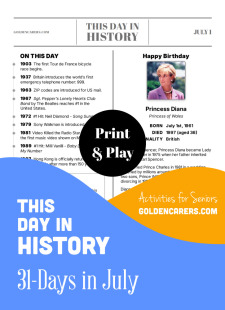
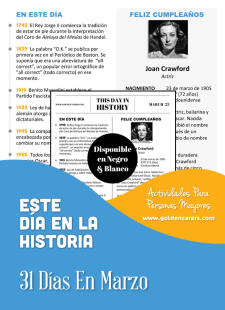
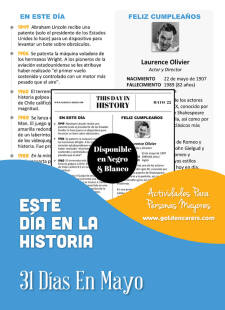

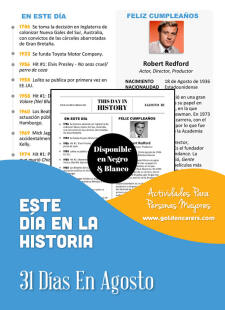

This Day in History for Seniors: May
Best on a laptop or TV
Slideshow
One picture at a time to discuss!
- No scores
- Good for chatting
- 1 Every item fills the screen
- 2 Next slide with the arrow keys or a clicker
- 3 Let the room share their memories
Image Reveal
A jigsaw guessing game!
- One group or teams
- Guessing
- 1 Call a number to turn a piece
- 2 Anyone can guess at any time
- 3 Got it? Click "Show answer"
Memory Match
Find the matching pairs!
- Teams
- 6, 8 or 12 pairs
- 1 Call two numbers to turn two cards
- 2 A pair? Go again
- 3 No pair? Next team's turn
Playing on a TV
Get any game onto your TV!
- 1 Pick a game. It opens in a new tab
- 2 Plug your laptop into the TV with an HDMI cable
- 3 Play from your laptop. The TV shows your screen